 QualBuddy
0.2.80
29 September 2026
- Account & trial became one calm sheet that says where you are.
- In Focus, the sidebar comes back from the left edge, or with ⌘B on Mac / Ctrl+B on Windows, without leaving Focus.
- The timer is called Focus Harvest.
What’s new · October 2026
Supervision has a place of its own, a reflection is always one click away, and every document can be seen, saved as a PDF or printed before you share it.
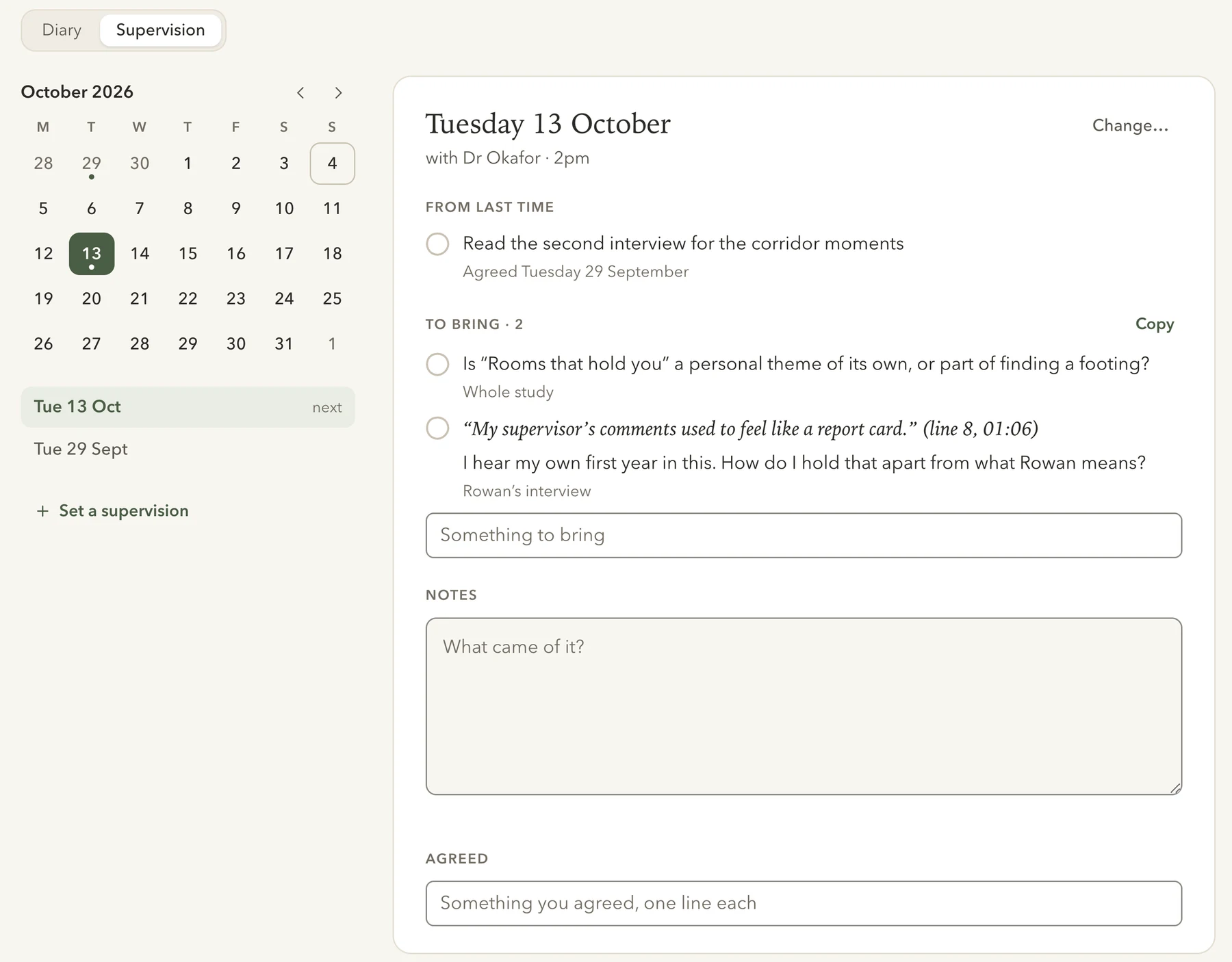
Reflexive diary · Supervision
Give each supervision a date, and gather what you want to bring as you work. On the day, tick off what you talked through, keep your notes and write down what you agreed.
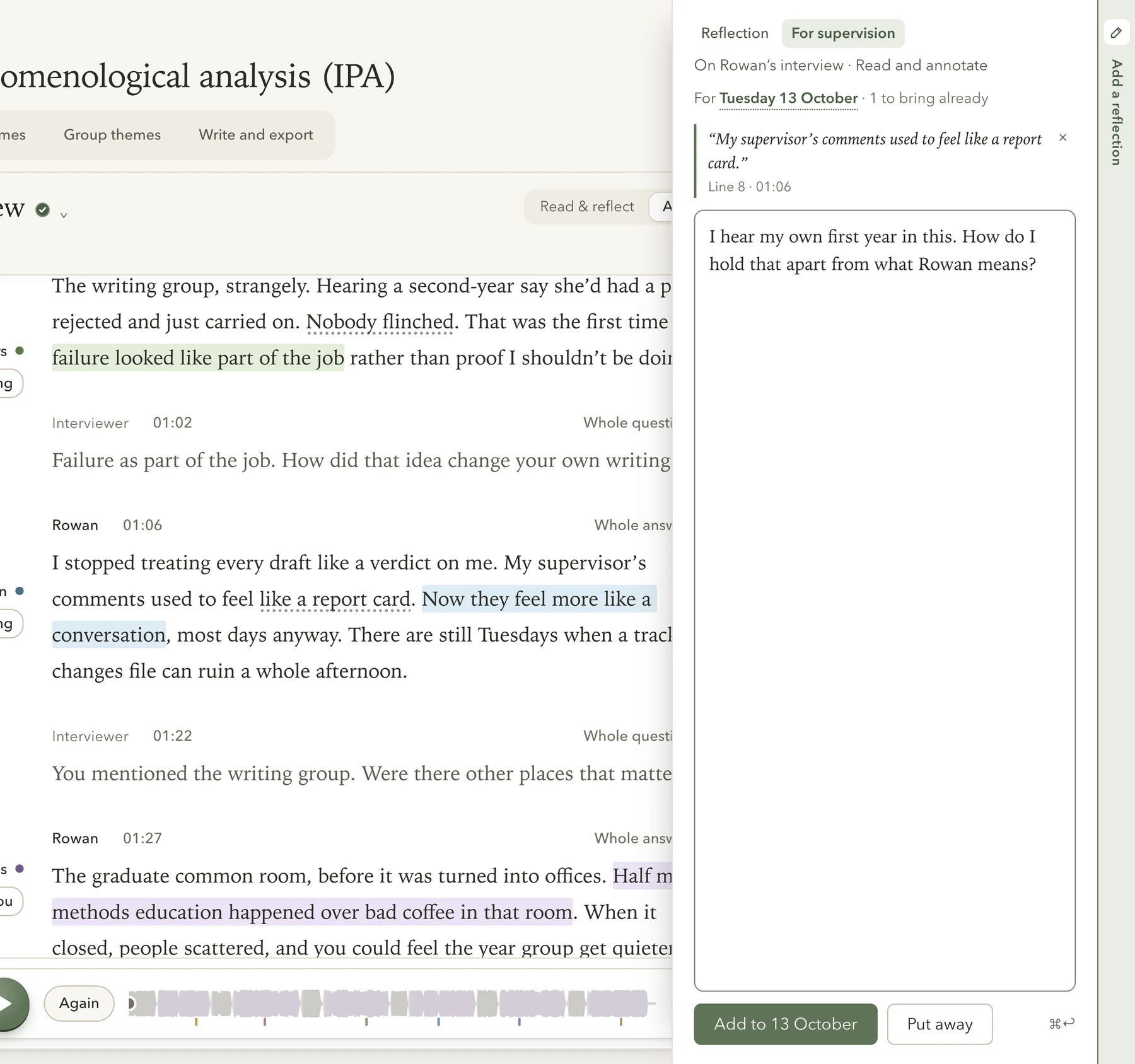
Every workspace
A slim bar runs down the right edge of every workspace. Click Add a reflection, or press ⌥⌘B on Mac or Ctrl+Alt+B on Windows, and write beside the words you are reading.
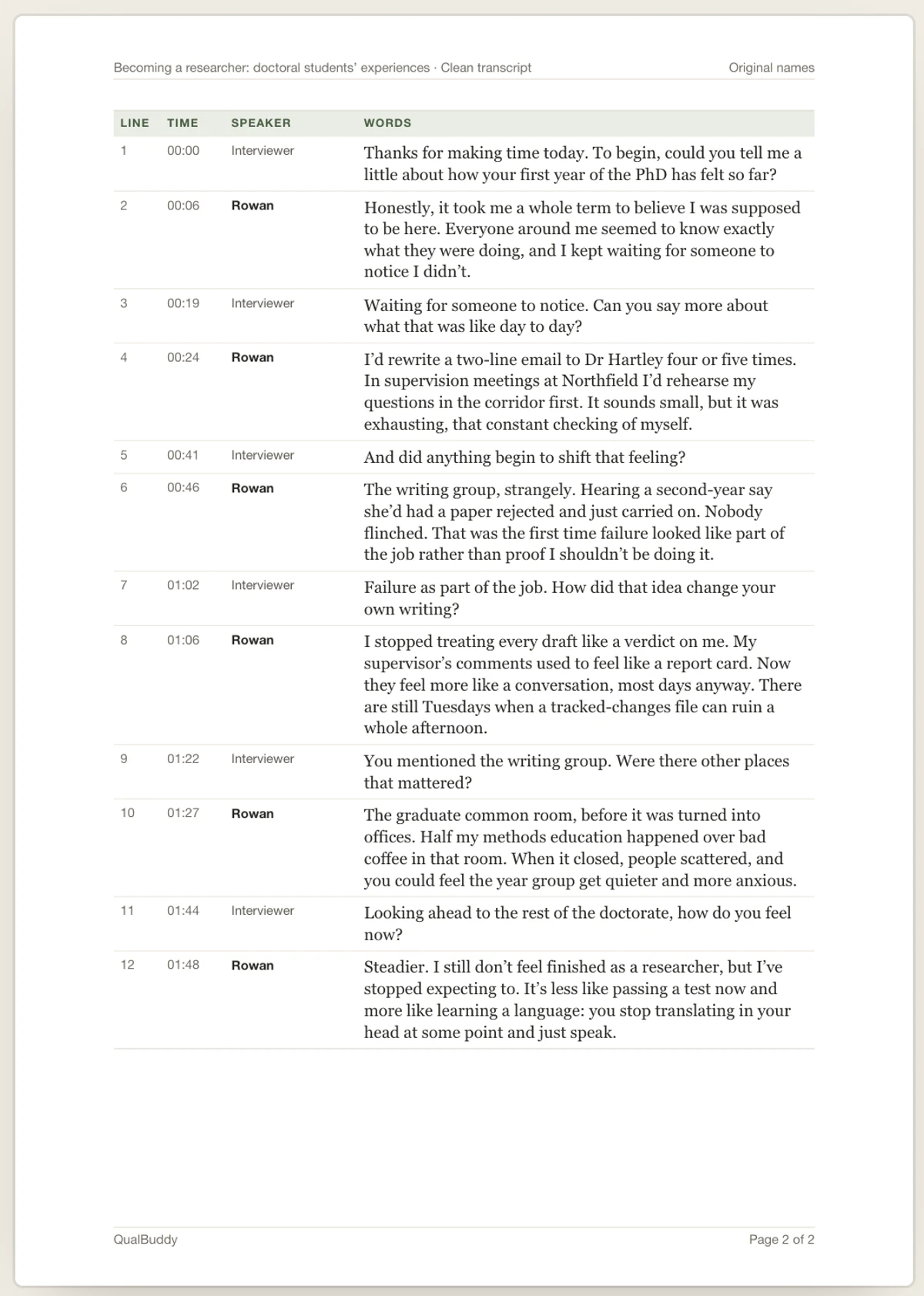
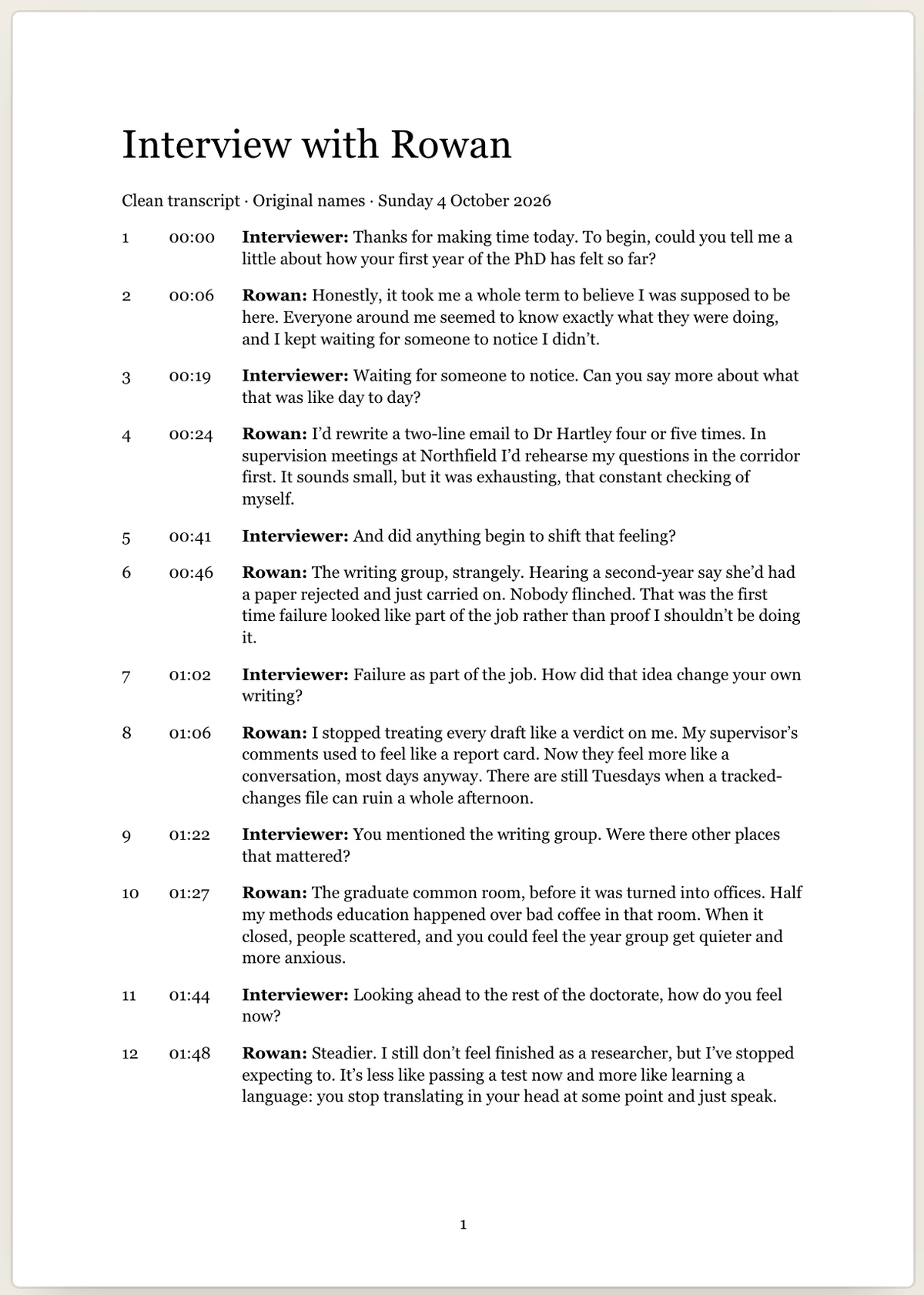
Exports
Each document on the Exports page shows its pages as they will be. Save it as Word or PDF, or print it.
Maps on paper
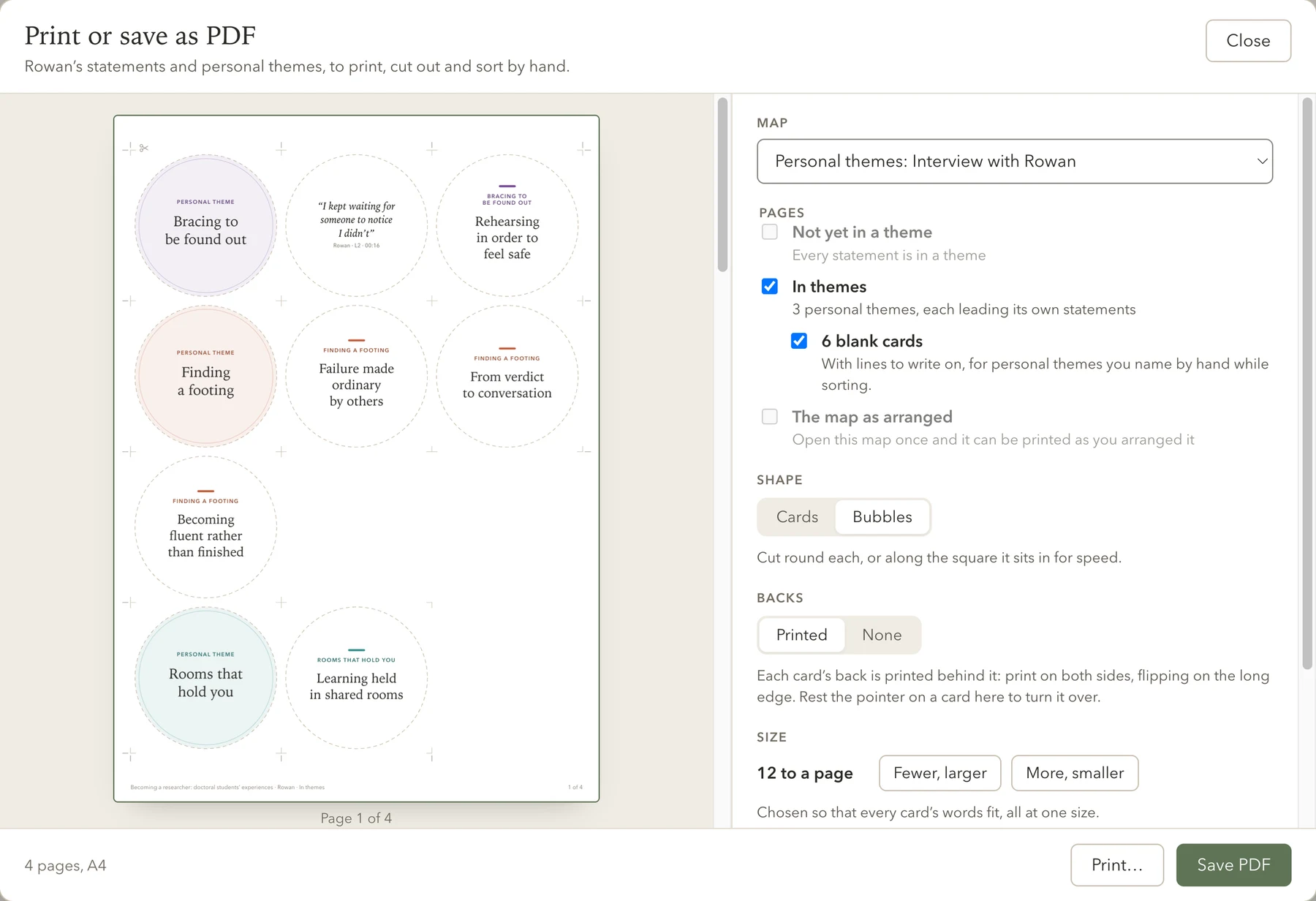
Print any map as cards or bubbles with shared cut lines: what is not yet in a theme, each theme with its statements or codes, and the map as you arranged it.
Print on both sides and each card carries the participant’s words on its back, so you can sort the fronts on their own.
Rest the pointer on it to turn it over, as in the app.Tap it to turn it over.
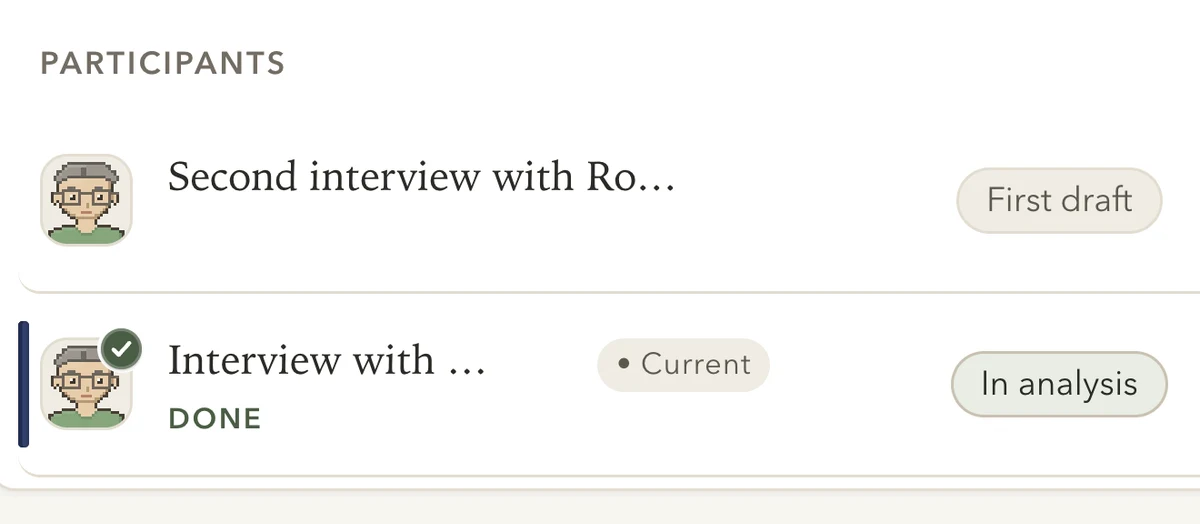
Choose Mark as done from an interview’s menu. A small seal sits on the participant’s picture. Nothing is moved or locked.
While you read in Focus, rest the pointer at the window’s left edge and the sidebar slides in. Move away and it goes again.
Actual app screens. Invented interviews and analysis.
29 September 2026
29 September 2026
29 September 2026
Already using QualBuddy? Close QualBuddy, then download the installer for your computer. On Mac, drag it to Applications to replace the old one. On Windows, run the installer using the same Windows account and installation location; there is no need to uninstall first. Your studies stay on your computer.